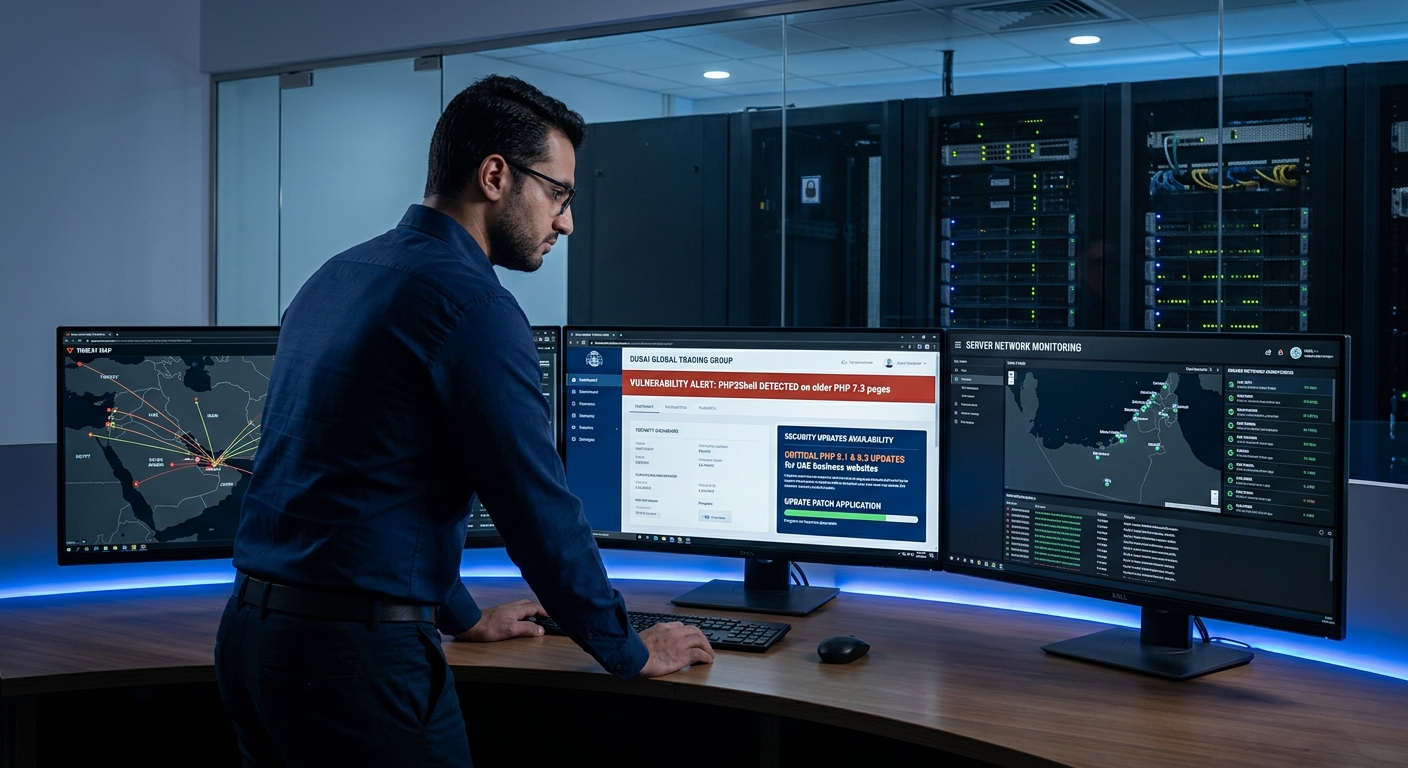
Introduction: A Critical PHP Security Alert for UAE Businesses
On 21 October 2026, the PHP development team released security updates addressing two critical vulnerabilities that could allow attackers to execute code remotely on affected PHP servers without authentication. The vulnerabilities are identified as CVE-2026-109618 and CVE-2026-109619 and are collectively referred to as PHP2Shell. Both received a CVSS v4.0 severity score of 9.2 out of 10. Official PHP security announcement.
This development is important for businesses operating websites, eCommerce platforms, customer portals, and other online services powered by PHP.
For companies in Abu Dhabi, Dubai, and across the UAE, website security is not just an IT concern. A compromised website can interrupt customer enquiries, affect online sales, expose sensitive information, and damage business credibility.
The immediate recommendation is to check your website’s PHP environment and apply the appropriate security updates through your hosting provider or technical team.
What Is the PHP2Shell Vulnerability?
PHP is a server-side programming language used to build and operate dynamic websites and web applications. Popular platforms and content management systems, including WordPress, Drupal, and Joomla, commonly use PHP.
PHP2Shell refers to two vulnerabilities within the PHP runtime itself. Under certain conditions, an attacker could exploit errors in memory management and request processing to execute unauthorised code on a vulnerable server.
Remote code execution (RCE) means an attacker may be able to run code on a remote system. The potential impact depends on the server configuration, the permissions assigned to the PHP process, and the resources accessible to that process.
Successful exploitation does not automatically grant administrator or root access to the entire server. However, it can still create a serious security incident.
The important distinction is that these vulnerabilities affect the PHP runtime, not just individual website plugins or application code. Consequently, updating WordPress plugins alone will not necessarily resolve the underlying risk.
The Two Critical PHP2Shell Vulnerabilities Explained
1. CVE-2026-109618: Remote Code Execution Through Memory Corruption
This vulnerability involves PHP’s handling of out-of-memory conditions during request processing.
If a memory allocation fails while PHP is processing a request, an unexpected execution path may leave internal request data in an incomplete or invalid state. Subsequent cleanup operations can then interact with that state incorrectly, potentially leading to memory corruption and remote code execution.
2. CVE-2026-109619: Remote Code Execution Through Stale Memory References
This vulnerability concerns PHP’s internal global state and the handling of memory associated with individual requests.
Under certain conditions, a reference to memory that has already been released may remain available in persistent state. A later request handled by the same worker may interact with this stale reference before the relevant state is correctly initialised.
This use-after-free condition can potentially lead to memory disclosure or remote code execution.
Both vulnerabilities are rated critical. The PHP development team recommends updating to a fixed release rather than relying on configuration workarounds alone.
Which PHP Versions Are Affected?
The PHP security releases announced on 21 October 2026 include the following fixed versions.
| PHP branch | Fixed version |
|---|---|
| PHP 8.5 | 8.5.12 |
| PHP 8.4 | 8.4.27 |
| PHP 8.3 | 8.3.36 |
| PHP 8.2 | 8.2.35 |
Earlier releases in these branches may be affected. PHP 8.1 and older releases also require careful assessment because they are generally outside upstream security support, although some vendors may supply backported fixes or separately maintained builds.
Important: Do not determine security status from a version number alone. Hosting providers and operating-system vendors may backport security fixes without changing the upstream version number in the way you expect.
Check the official PHP announcement and your hosting provider’s security advisory before deciding whether your installation is protected.
Reference: PHP official security announcement.
How Could PHP2Shell Affect a Business Website?
For UAE businesses, the consequences of a compromised website can extend beyond technical downtime.
Website downtime and lost enquiries
A compromised or disrupted website may prevent prospective customers from submitting enquiry forms, requesting quotations, or contacting your sales team.
For service businesses that depend on online lead generation, even a temporary interruption can affect business opportunities.
Exposure of sensitive information
Depending on the level of access obtained, an attacker may be able to access information available to the compromised PHP process.
The actual exposure depends on server permissions, application architecture, and security controls.
Unauthorised changes to website content
An attacker who gains sufficient access may alter website files, modify content, or introduce malicious code.
This can affect website integrity and potentially create problems for visitors.
Disruption to eCommerce operations
For online stores and digital services, security incidents can interrupt order processing, customer account functions, or other essential website features.
Businesses should investigate the potential impact on customer information and transactions if a compromise is suspected.
Loss of customer confidence
Customers expect businesses to maintain reliable and secure online services. A website security incident can undermine that confidence and create additional recovery costs.
These are potential consequences of successful exploitation, not evidence that every website running PHP has been compromised.
What UAE Businesses Should Do Right Now
Businesses do not need to wait for a website failure to review their security. The following steps provide a practical response plan for business owners, marketing managers, website administrators, and IT teams.
Step 1: Identify whether your website uses PHP
If your website runs on WordPress or another PHP-based platform, ask your hosting provider or technical team to confirm which PHP runtime processes website requests.
Do not assume that your website is unaffected because it is hosted on a managed platform. Ask the provider to confirm the status of the actual PHP environment serving your website.
Step 2: Apply the appropriate PHP security updates
Ask your hosting provider or administrator to verify the installed PHP build against the official security advisory and apply the relevant fixed release or vendor-provided security patch.
If you use a managed hosting service, request confirmation that the update has been applied to your website’s active runtime.
For self-managed Linux servers, administrators can inspect installed PHP packages using commands such as:
php -vOn Ubuntu or Debian systems, package information can also be inspected using:
apt list --installed 'php*'These commands are initial checks, not proof that every website runtime has been updated. The command-line PHP installation may differ from the PHP version used by Apache, PHP-FPM, a container, or another web-serving environment.
After applying updates, restart the relevant services or rebuild and redeploy containers as required by your hosting architecture. Follow the provider’s instructions to avoid unnecessary website downtime.
Step 3: Update WordPress, themes, and plugins
If your website uses WordPress, review the WordPress core version, themes, and plugins as part of your broader maintenance process.
Install supported security updates and remove abandoned or unnecessary plugins.
However, remember that a WordPress update does not automatically patch an outdated PHP runtime. Both application-level maintenance and server-level security are important.
Step 4: Verify backups and recovery procedures
Confirm that recent backups exist and that your team knows how to restore the website if necessary.
Ideally, backups should be stored separately from the production environment and protected against unauthorised modification.
For business-critical websites, test the restoration process rather than assuming that a successful backup job guarantees a successful recovery.
Step 5: Review website and server activity
After patching, review relevant security logs and investigate suspicious activity, especially if the website was running a vulnerable PHP build.
Potential warning signs include:
- Unexpected shell or download processes started by web server workers.
- Newly created or modified files in website directories.
- Unusual outbound network connections.
- Abnormal errors or request patterns in PHP, web server, and system logs.
- Unexpected changes to website content, accounts, or administrative settings.
These indicators are not conclusive proof of PHP2Shell exploitation. They should be investigated alongside other evidence.
If you suspect a compromise, preserve relevant logs, involve your hosting provider or incident-response specialist, and assess whether credentials, application secrets, or customer data may have been exposed.
Step 6: Do not rely on workarounds as a permanent fix
Web application firewalls, intrusion-prevention systems, memory limits, and configuration changes can contribute to a layered security strategy. They should not be treated as a substitute for the appropriate security patch.
The PHP development team’s guidance is clear that updating to a fixed release is the preferred resolution.
A Website Security Checklist for UAE Businesses
Use this checklist to organise your immediate response.
- Confirm whether your website runs PHP.
- Identify the PHP runtime and version used for live website requests.
- Check the relevant PHP or hosting-provider security advisory.
- Apply the appropriate security update.
- Restart affected services or redeploy updated containers where required.
- Update supported WordPress core files, themes, and plugins.
- Verify backups and recovery procedures.
- Review logs and investigate suspicious activity.
- Test website forms, customer journeys, and important business functions.
- Record the patch date and confirmation from your technical team.
For businesses operating several websites, eCommerce stores, or customer portals, maintain a central inventory of domains, hosting accounts, PHP versions, and responsible administrators. This makes future security updates easier to coordinate.
How Website Security Supports Digital Marketing Performance
Website security and digital marketing should not be treated as completely separate activities.
Marketing campaigns bring visitors to a website, but the website must also remain available, trustworthy, and functional when those visitors arrive.
A security incident can interrupt paid advertising landing pages, prevent customers from submitting forms, and disrupt important conversion journeys. If malicious changes affect website content or behaviour, they may also create additional reputational and search visibility risks.
For businesses investing in SEO, Google Ads, social media marketing, or lead generation, regular website maintenance helps protect the digital infrastructure supporting those activities.
This does not mean that every security vulnerability directly causes a ranking decline. The effect on search performance depends on what actually happens to the website and how search engines respond.
A practical digital marketing and website maintenance programme should include:
- Regular website and hosting reviews.
- Timely software and security updates.
- Backup and recovery checks.
- Website form and conversion testing.
- Monitoring for suspicious changes.
- Coordination between marketing, development, and hosting teams.
These measures help businesses maintain a more dependable online presence while supporting their wider marketing objectives.
Practical Recommendations for Businesses in Abu Dhabi, Dubai, and Across the UAE
The right response depends on your website’s purpose and technical setup.
Small businesses and professional service firms: Ask your hosting provider or website administrator to confirm the PHP version and patch status. Prioritise enquiry forms, contact pages, and other features that generate business leads.
Real estate companies: Review the security and availability of property listing websites, enquiry forms, lead capture systems, and integrations with customer relationship management platforms.
eCommerce businesses: Coordinate the security update with your technical team and test essential functions, including customer login, checkout, order processing, and payment integrations.
Marketing agencies and website management teams: Audit client websites systematically, identify affected environments, document patch status, and communicate any required maintenance to clients.
Businesses using managed hosting: Request written confirmation of the applied security fix and clarify whether your hosting provider manages all PHP instances, including any separately configured applications or staging environments.
Businesses with strict uptime requirements should plan changes with their technical team, including any necessary maintenance window and post-update testing.
These recommendations are relevant to UAE businesses regardless of whether their customers are local, regional, or international.
Frequently Asked Questions
What is the PHP2Shell vulnerability?
PHP2Shell is the name used for two critical PHP runtime vulnerabilities, CVE-2026-109618 and CVE-2026-109619. Under certain conditions, successful exploitation may allow an unauthenticated attacker to execute code remotely on an affected server.
Does PHP2Shell affect WordPress websites?
WordPress commonly runs on PHP, so the PHP runtime used by a WordPress website must be assessed. Updating WordPress core, themes, or plugins alone does not necessarily fix a vulnerable PHP runtime.
Which PHP versions should be updated?
The fixed releases announced on 21 October 2026 are PHP 8.5.12, 8.4.27, 8.3.36, and 8.2.35. Older builds and unsupported branches require verification against the relevant vendor advisory.
Is PHP-FPM also affected?
The PHP security advisory covers PHP installations serving web requests, including PHP-FPM and Apache with mod_php, as well as other execution environments. The risk and applicable remediation depend on the specific deployment.
Can a firewall protect my website from PHP2Shell?
A firewall may provide an additional layer of protection, but it should not be considered a complete solution. Applying the appropriate PHP security update is the primary remediation.
What should I do if I suspect my website has been compromised?
Contact your hosting provider or a qualified incident-response specialist. Preserve logs, investigate unauthorised changes, assess possible data exposure, and follow an appropriate containment and recovery plan.
Final Thoughts: Make Website Security Part of Your Digital Strategy
The PHP2Shell vulnerability is a reminder that maintaining a secure website requires more than updating visible website content or installing a security plugin.
The underlying server environment, PHP runtime, application software, backups, and monitoring procedures all contribute to website reliability.
For businesses in Abu Dhabi, Dubai, and the wider UAE, the immediate priority is to confirm the status of affected PHP installations and apply the appropriate security updates. After that, establish a consistent website maintenance process instead of waiting for the next security alert.
Need help maintaining your business website?
DigitalMiraj supports businesses with website design, development, and digital solutions. If you need assistance reviewing your website maintenance requirements, contact our team to discuss your needs and identify the appropriate next steps.
- Website: https://digitalmiraj.com/
- Email: [email protected]
- Location: Abu Dhabi, UAE
Security note: DigitalMiraj recommends that server-level vulnerability remediation be handled by your hosting provider, system administrator, or a qualified security professional with access to the affected environment.